Syncing, locks and duplicates
When it syncs
- Automatically every Monday morning.
- When you press Sync now. After a successful sync, Sync now is available once a week, to go easy on the league's systems. It's available again straight away whenever you add or change a competition, a linked team, the source or the key. The page tells you when it's next available.
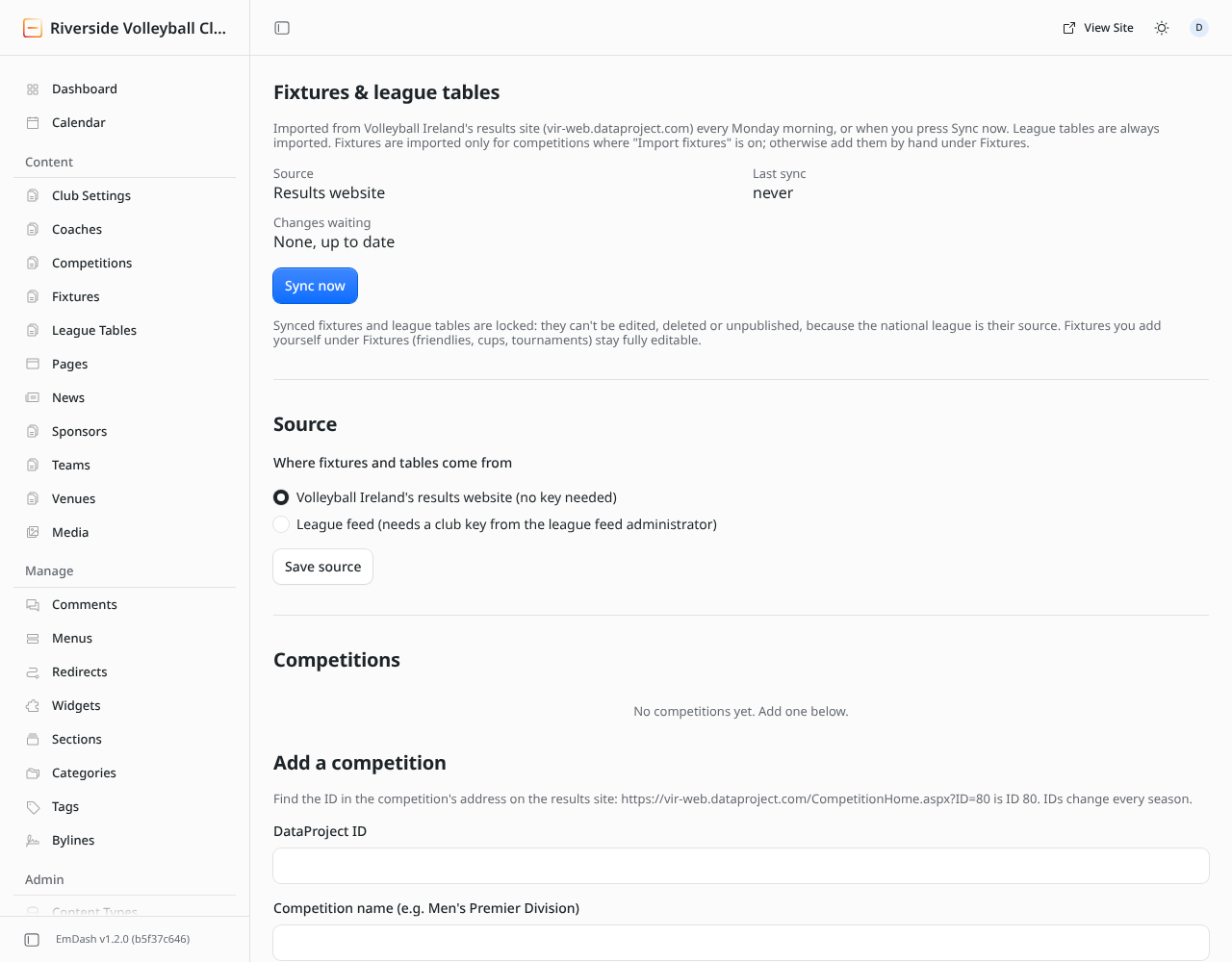
Changes are saved a few at a time
A sync first finds what changed (new fixtures, new results, updated tables), then saves the changes in small batches every five minutes, so the website never slows down.
- Changes waiting shows how many are still to be saved. A banner says roughly how long that takes.
- Save next changes now saves the next batch straight away if you don't want to wait.
- Sync finished appears once everything is saved.
Reload the page to see progress.
Why some fixtures and tables can't be edited
Imported fixtures and tables are locked: you can't edit, delete or unpublish them in the admin, because the league is their source and the next sync would undo your change. If you try, the admin refuses with a message.
- A result or time is wrong? It's wrong at the league. Ask the league to correct it; the next sync picks it up.
- Need to edit it anyway? Remove its competition or league team on the Fixtures & tables page. Its fixtures and table stay on the site, become editable, and stop updating.
- Fixtures you add by hand (friendlies, cups) are never locked.
If you'd entered a league fixture by hand before turning on the import, the import takes it over (matched by day, opponent and home or away) rather than making a second copy.
Warnings and errors
Banners at the top of the page explain anything that needs attention:
| Banner | What it means | What to do |
|---|---|---|
| Check these | The sync worked but found something odd, such as a team name it couldn't match. | Read the list and fix the set-up it points to. |
| The last sync stopped | The sync couldn't finish, e.g. the league's site was down. | Nothing was changed. Try Sync now later; the Monday sync tries again anyway. |
| A change could not be saved (it will be retried) | One change failed to save. | It's retried every five minutes. If it keeps appearing, tell whoever looks after the website. |
| Key paused or not valid | See Set up the league feed. |
Duplicate fixtures
If the same league match ever appears twice in your fixtures list, the page shows a Remove duplicate fixtures button. It moves the extra copies to the trash and keeps the imported fixture and anything you added by hand. You can restore anything from the trash if needed.