Menus
The Menus page controls the navigation at the top of every page.
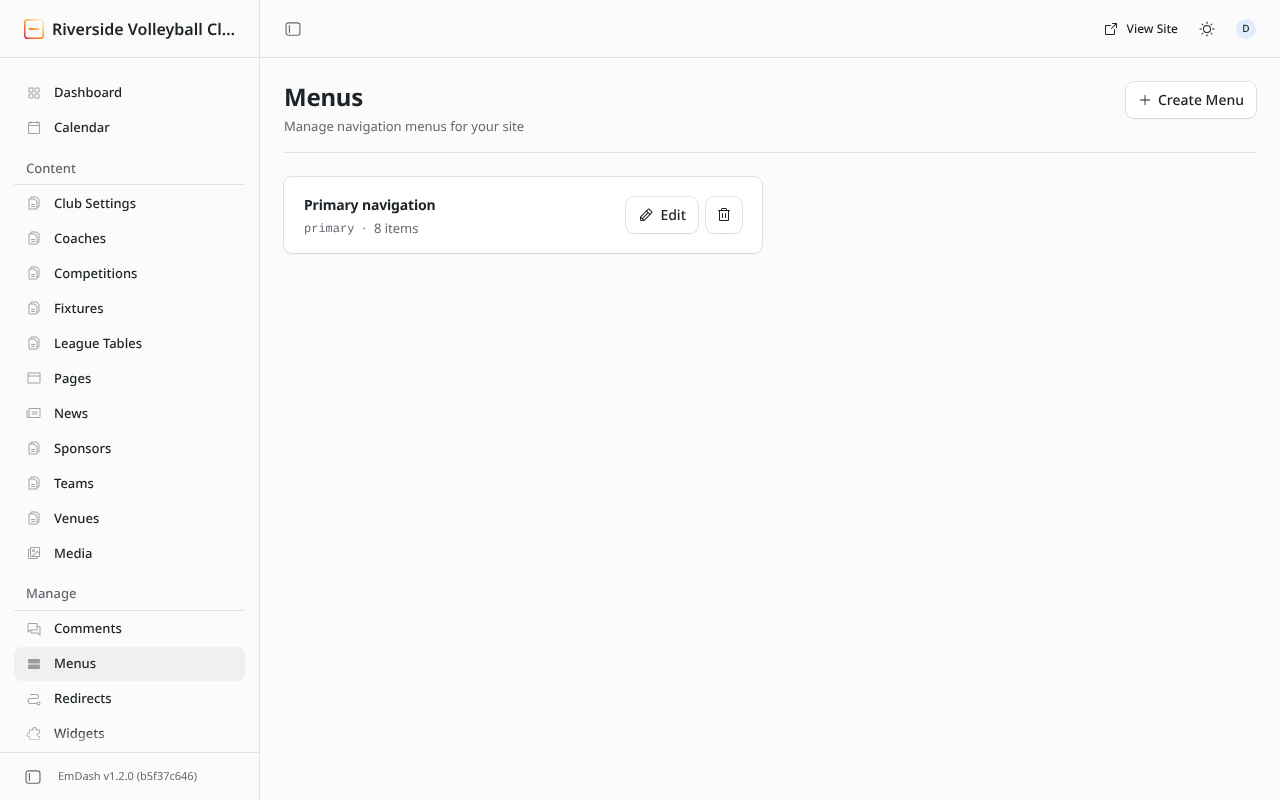
Click Edit next to Primary navigation.
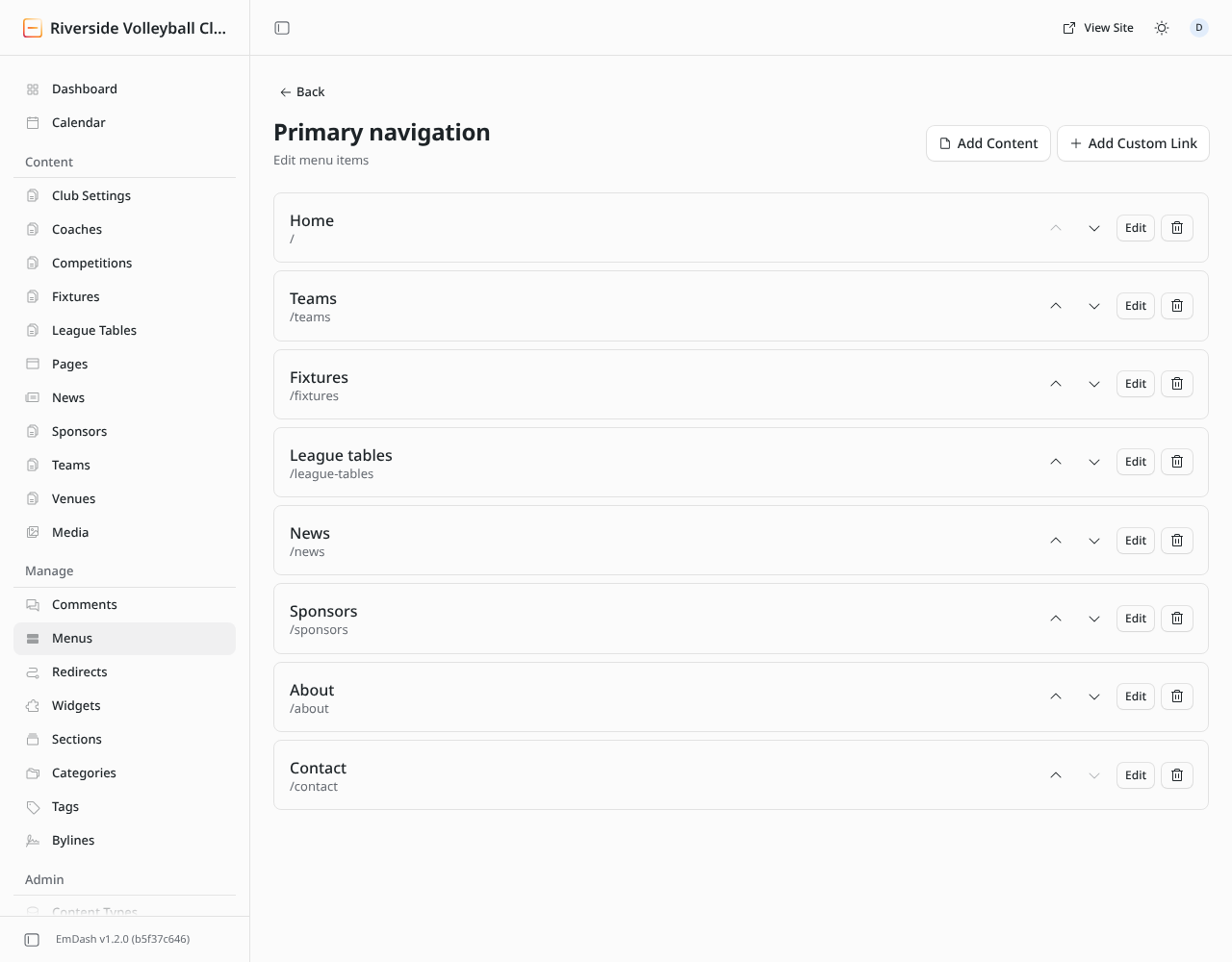
- Add Content adds a link to a page, news post or other entry: pick it from the list.
- Add Custom Link adds a link to any address: a page on your site from the first slash (
/register) or another website (https://…). - Edit changes an item's label or link.
- The arrows move an item up or down. The top item comes first in the menu.
- The bin removes an item from the menu. The page itself stays.
Changes to the menu show on the site straight away.
info
Keep the menu short: six to eight items fits on one line on a laptop. On phones the menu folds into a button.
Editors and administrators can change menus.