Redirects
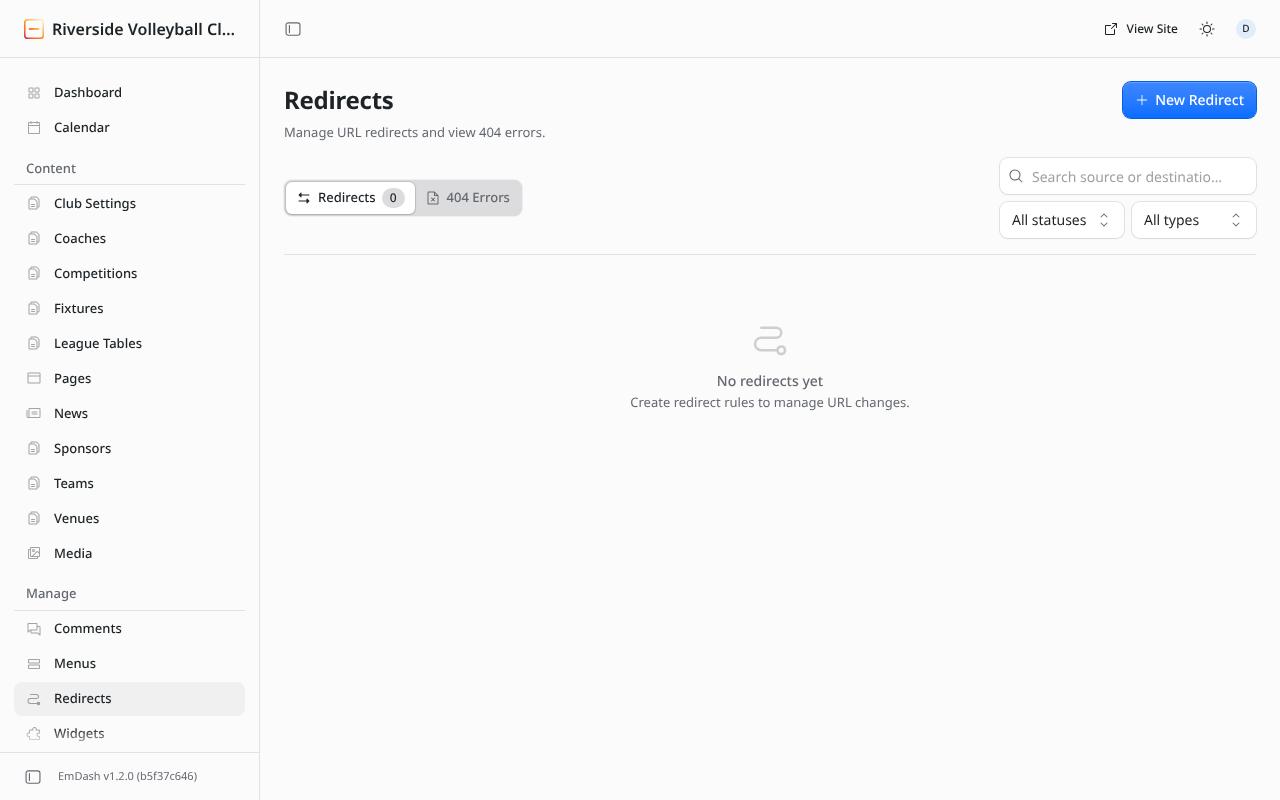
A redirect sends visitors from an old address to a new one. Use one when you change a page's or post's slug, or remove a page that people may have bookmarked or found in Google.
Add a redirect
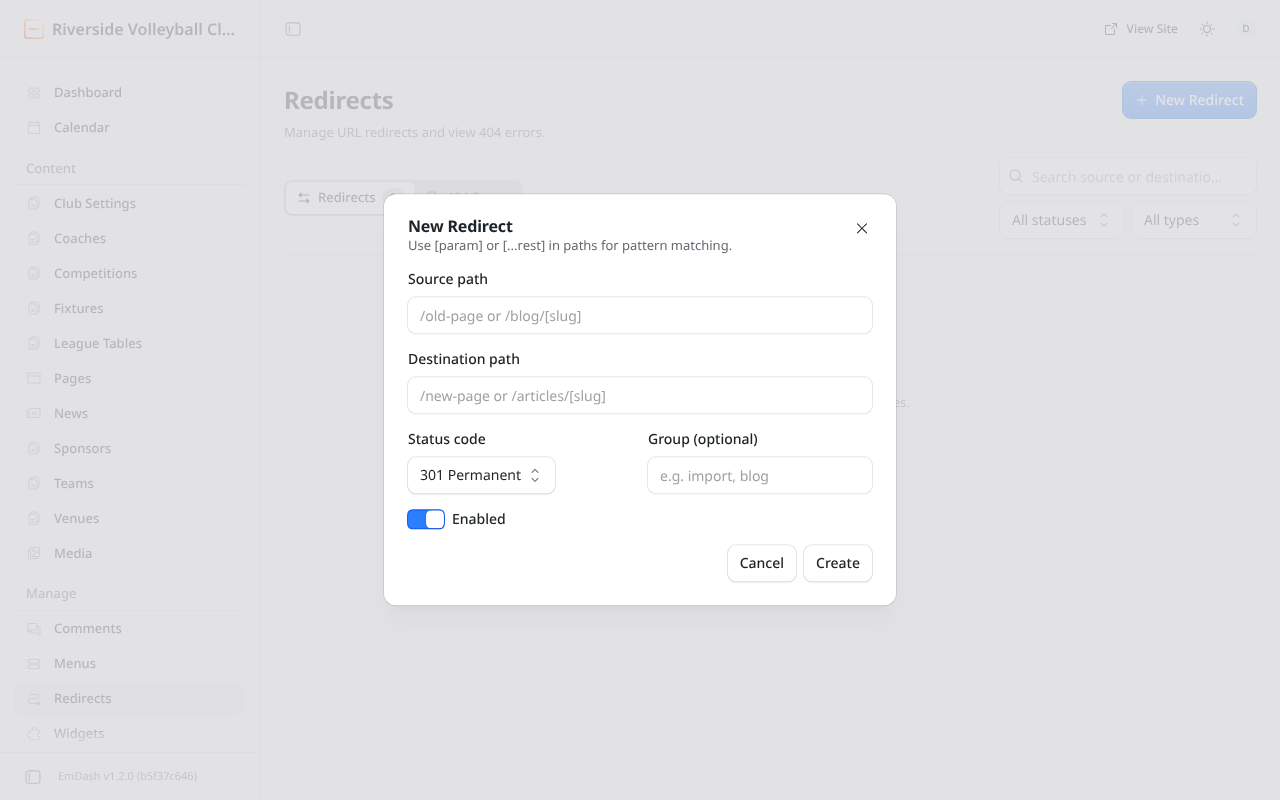
- Redirects → New Redirect.
- Source path: the old address, from the first slash, e.g.
/old-page. - Destination path: where it should go, e.g.
/new-page, or a full address for another website. - Status code: leave it at 301 Permanent unless the move is temporary.
- Click Create.
404 errors
The 404 Errors tab lists addresses people tried that don't exist. Check it now and then: if an old address keeps appearing, add a redirect for it.
Only administrators can manage redirects.