Users and roles
Each person who works on the website has their own account. Only administrators can invite people and change roles.
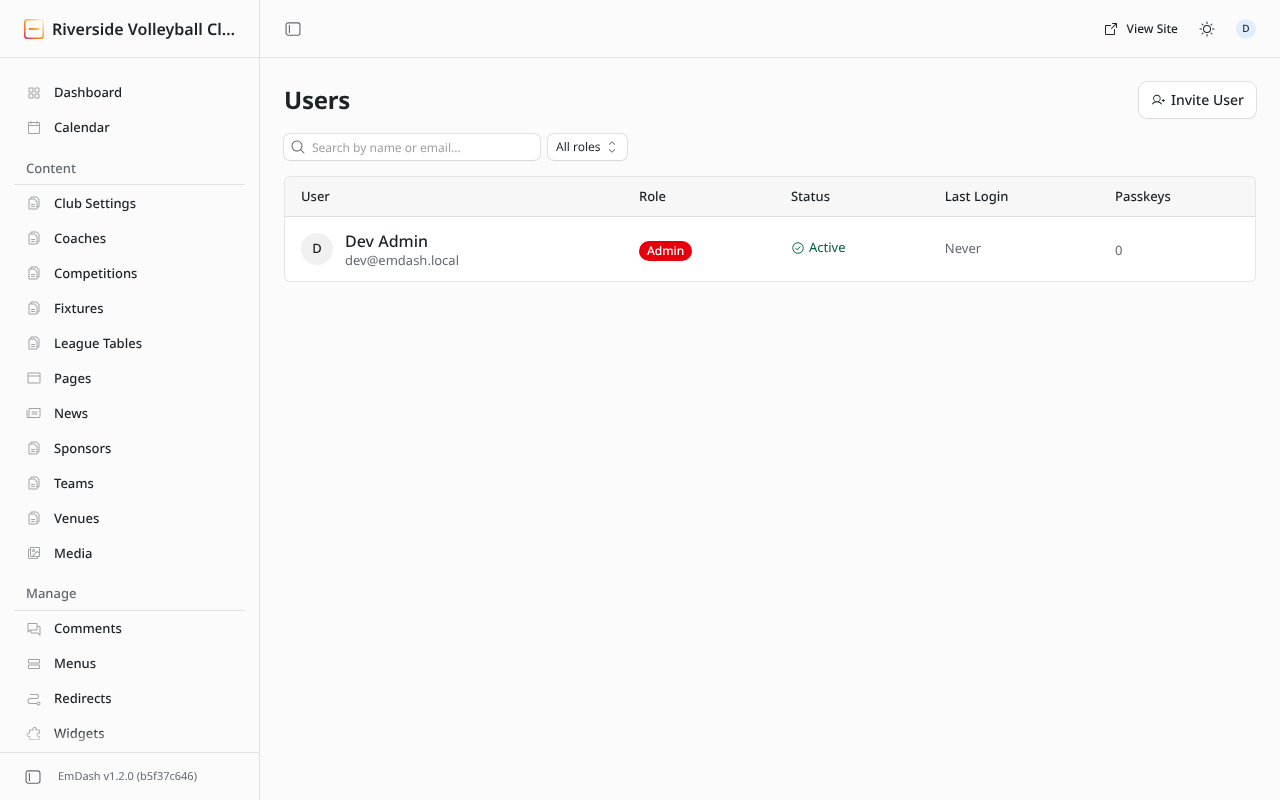
Invite someone
- Users → Invite User.
- Enter their email address.
- Choose their role (see below).
- Click Send Invite. They get an email with a link to set up their account and a passkey.
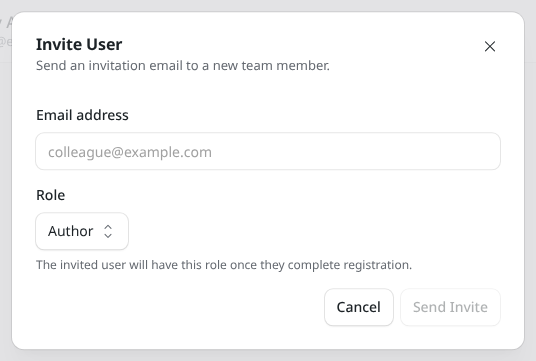
Roles
Give each person the lowest role that lets them do their job.
| Role | Can |
|---|---|
| Subscriber | Sign in and look. Can't change anything. |
| Contributor | Write drafts and upload images, but not publish. Someone else reviews and publishes. |
| Author | Write, edit and publish their own posts and pages. Good for team captains or a press officer. |
| Editor | Edit and publish anything, and manage menus, categories and site text. Good for the club's web editor. |
| Administrator | Everything, including users, settings, Fixtures & tables, registrations and redirects. Keep this to two or three people. |
Change someone's role or remove them
Click the person in the Users list to change their role or disable their account. When someone leaves the club's committee, disable their account rather than leaving it open.